
Personal Goal
A progress bar for your dream that users fill with gifts: how to set up a Personal Goal in a stream and how it works.
Personal Goal is an interactive progress bar for something you're saving up for. Users love supporting their favorite models in a playful way.
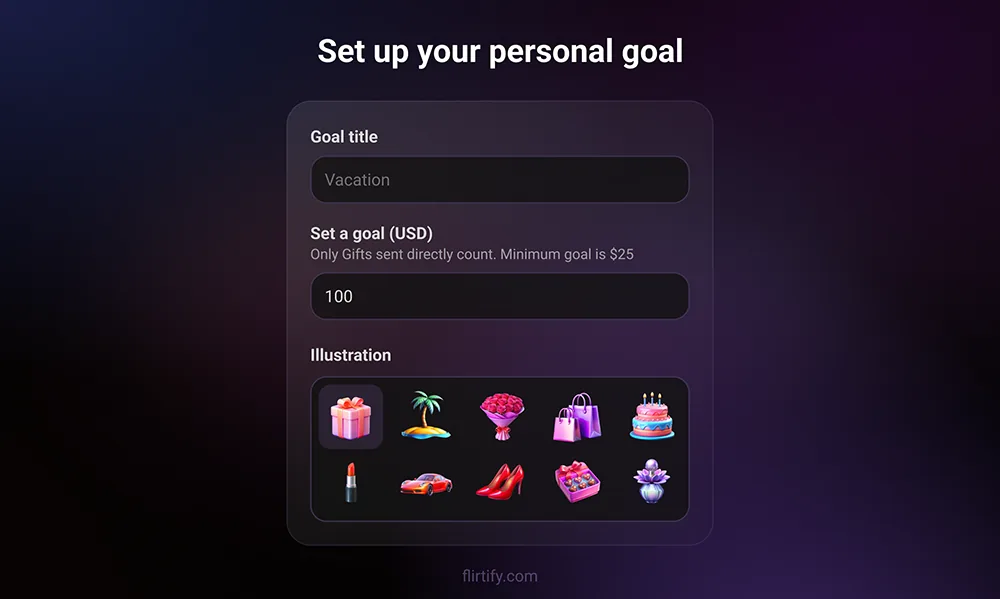
How it works
- Start a stream, tap the goal icon, name your goal and set the amount in dollars. The minimum is $25. For example: new shoes, a dress, a trip.
- Pick an illustration that matches your goal.
- During the stream, a progress bar appears on screen.
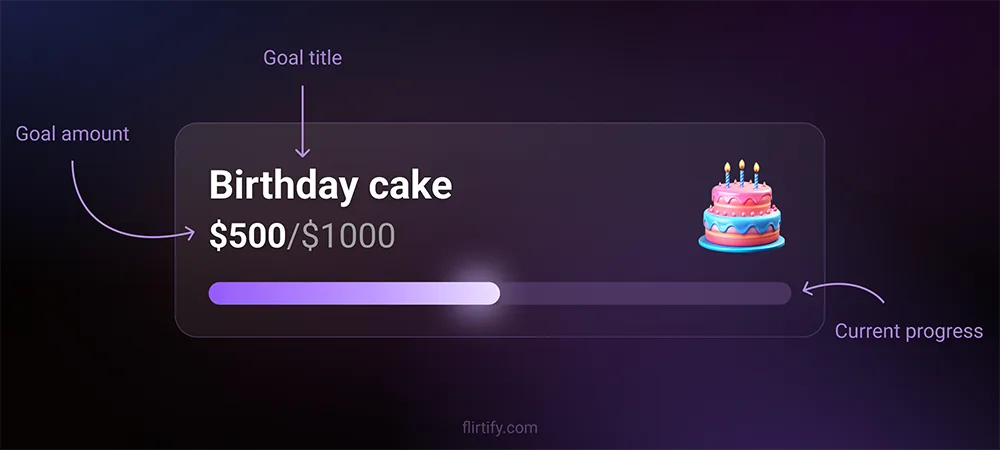
Users can fill the bar with gifts or complete the whole goal with one tap. When the goal is reached, a special celebration animation plays. Your goal is visible both in random chats and in direct calls. Only gifts sent directly count toward the goal.
Changing or removing a goal
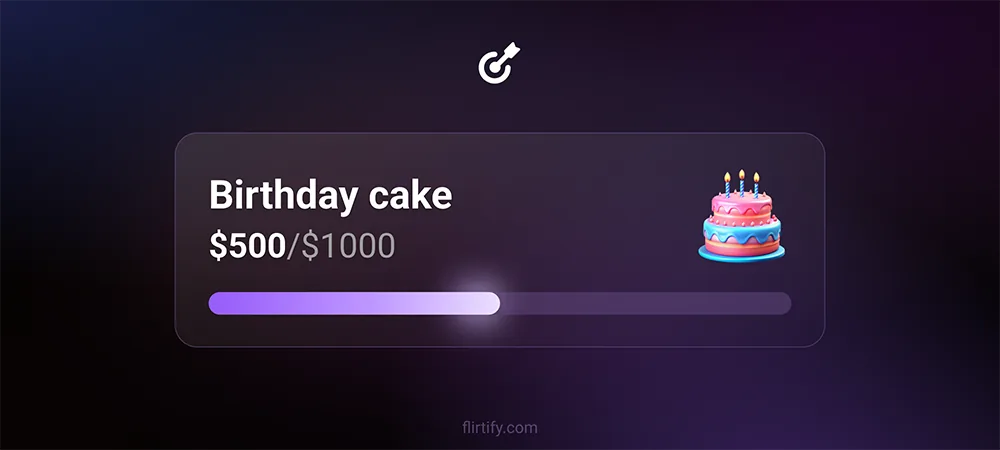
Tap the goal icon, then the trash icon. After you reconnect, you'll be asked to set a new goal. Progress resets and starts from zero.
Your goal is visible to everyone, including guests. Don't mention anything erotic and don't offer shows. Use real items or dreams only: a dress, jewelry, a course, a trip.
Monthly themed contests offer another opportunity to earn rewards. Check the platform for announcements and participation terms.